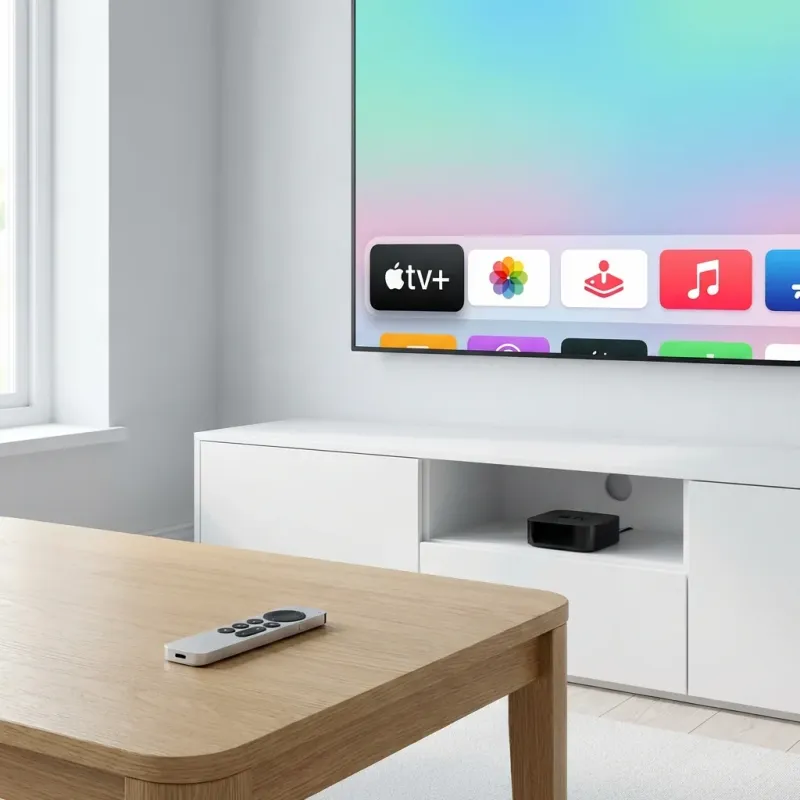
Why Apple TV is Perfect for IPTV
Apple TV offers the best IPTV experience. Powerful hardware, beautiful apps, and the Siri Remote create a premium viewing experience. • 4K HDR with Dolby Vision and Dolby Atmos • Smooth interface with Siri Remote • Ethernet port for rock-solid streaming • Compatible: Apple TV 4K (all gens) and Apple TV HD
Best IPTV Apps for Apple TV
GSE Smart IPTV
$6.99Most Feature-Rich
- Siri Remote optimized
- Xtream Codes & M3U
- Full EPG
- Multiple playlists
IPTVX
$7.99Best Interface
- Netflix-style design
- Beautiful channel grid
- Intuitive navigation
VLC for Apple TV
FreeBest Free Option
- 100% free
- M3U support
- No EPG
Setup Guide: GSE Smart IPTV
Download
Open App Store on Apple TV. Search GSE Smart IPTV and purchase ($6.99).
Open App
Launch GSE Smart IPTV from home screen.
Add Playlist
Navigate to Remote Playlists > Add > Xtream Codes API
Enter Credentials
Enter your LUNOTV server URL, username, and password
Save & Watch
Click Save. Your channels load and you can start watching!
Optimization Tips
Use Ethernet
Connect Ethernet cable for zero-buffering 4K streaming.
Match Content
Settings > Video > Match Content for HDR and frame rate matching.
iPhone Remote
Use iPhone Remote app for easier text entry.
Troubleshooting
❓ App freezes
✅ Double-click Home, swipe up on app to force quit. Reopen.
❓ Poor quality
✅ Use Ethernet. Check Settings > Video > Format matches your TV.
❓ Audio sync issues
✅ Change player/decoder in app settings.
Frequently Asked Questions
Does this work on older Apple TV?
Need Apple TV HD (4th gen) or Apple TV 4K. Older models don't have App Store.
Best app for Apple TV?
GSE Smart IPTV is most complete. IPTVX has best interface. VLC is free but basic.