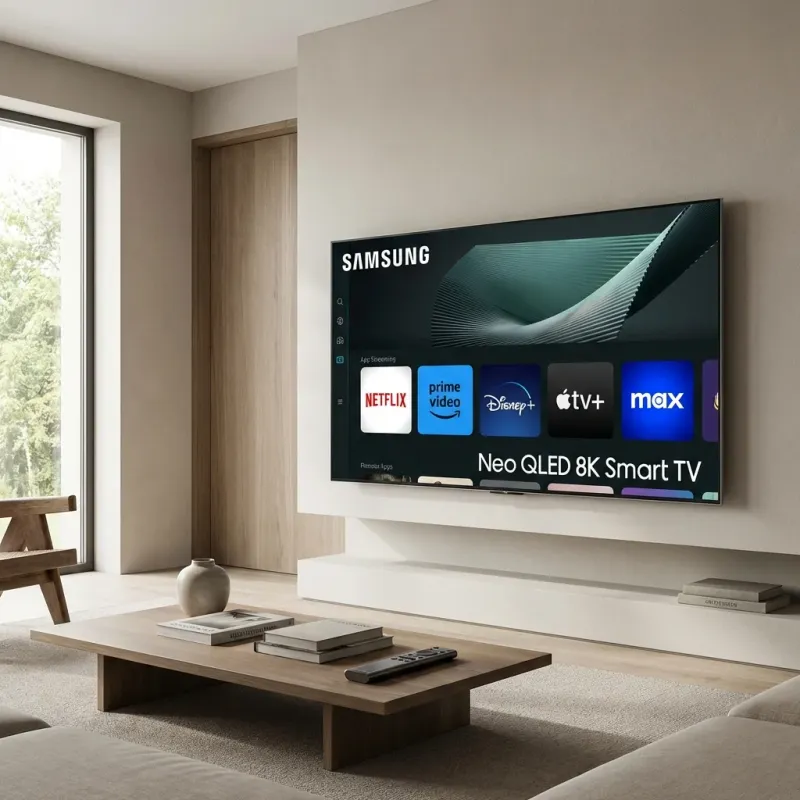
IPTV on Smart TV: Direct Installation
Modern Smart TVs can run IPTV apps directly - no additional devices needed. Whether you have a Samsung (Tizen OS), LG (WebOS), or Sony (Android TV), we've got you covered. The main options: • **Samsung Tizen TVs:** Smart IPTV, IBO Player, Nanomid • **LG WebOS TVs:** Smart IPTV, IBO Player, SS IPTV • **Sony/Android TVs:** IPTV Smarters, TiviMate (same as Firestick) Setup time: 5-10 minutes depending on your TV model.
Supported TV Models
Samsung
Tizen • 2015 and newer
Difficulty: Easy
LG
WebOS • 2014 and newer
Difficulty: Easy
Sony
Android TV / Google TV • 2015 and newer
Difficulty: Very Easy
TCL/Hisense
Roku TV / Android TV • Varies
Difficulty: Moderate
Samsung Smart TV Setup
For Samsung TVs running Tizen OS (2015 and newer)
Smart IPTV
$5.49 one-time- 1. Open the Samsung App Store on your TV
- 2. Search for Smart IPTV and install it
- 3. Open the app and note your MAC address (displayed on screen)
- 4. On your computer/phone, visit siptv.app/mylist
- 5. Enter your MAC address and your M3U playlist URL
- 6. Click Upload and wait 30 seconds
- 7. Restart Smart IPTV on your TV - channels will appear!
- 8. One-time $5.49 payment required after 7-day trial
💡 Smart IPTV is the most reliable option for Samsung TVs. The one-time fee is worth it.
IBO Player
$4.99 one-time- 1. Install IBO Player from Samsung App Store
- 2. Open IBO Player and note your Device ID/MAC
- 3. Visit iboplayer.com on your computer
- 4. Select Active Device and enter your info
- 5. Add your Xtream Codes credentials or M3U URL
- 6. Restart IBO Player - your channels will load
💡 IBO Player has a better interface than Smart IPTV and supports Xtream Codes directly.
LG Smart TV Setup
For LG TVs running WebOS (2014 and newer)
Smart IPTV
$5.49 one-time- 1. Open the LG Content Store on your TV
- 2. Search for Smart IPTV and install it
- 3. Open the app and note your MAC address
- 4. On your computer, visit siptv.app/mylist
- 5. Enter MAC address and M3U playlist URL
- 6. Click Upload and restart the app on your TV
- 7. Requires $5.49 activation after trial
💡 Same process as Samsung - the app works identically on both platforms.
SS IPTV
Free- 1. Install SS IPTV from LG Content Store
- 2. Open the app and go to Settings > General
- 3. Note the Single Use Code displayed
- 4. Visit ss-iptv.com/en/users/playlist on your computer
- 5. Enter the code and upload your M3U URL
- 6. Restart SS IPTV - channels should appear
💡 SS IPTV is free but has a more basic interface. Good budget option.
Sony/Android TV Setup
Sony TVs and any Android TV/Google TV device (Nvidia Shield, Chromecast with Google TV, etc.)
- 1. Open the Google Play Store on your TV
- 2. Search for IPTV Smarters Pro and install it
- 3. Open IPTV Smarters and select Add User
- 4. Choose Xtream Codes API (recommended)
- 5. Enter your LUNOTV username, password, and server URL
- 6. Click Add User - channels load automatically
- 7. Alternative: Install TiviMate for the best experience
💡 Android TV setup is the same as Firestick - all the same apps and methods work.
Smart TV IPTV Tips
Restart Your TV Weekly
Smart TVs can slow down with continuous use. A weekly restart keeps IPTV running smoothly.
Use 5GHz WiFi or Ethernet
Most Smart TVs have Ethernet ports. Wired connection = zero buffering. If using WiFi, connect to 5GHz band.
Update Your TV Firmware
Outdated firmware can cause app crashes. Check Settings > Support > Software Update regularly.
Consider a Firestick Instead
If your TV is older than 2015 or runs slowly, a $30 Firestick 4K offers a much better IPTV experience.
Troubleshooting
❓ App not available in my country
✅ Some IPTV apps are geo-restricted. Try IBO Player or OTT Navigator as alternatives. You can also use a VPN on your router.
❓ Playlist not loading after upload
✅ Wait 2-3 minutes and restart the app. Make sure your M3U URL is valid - test it in VLC on your computer first.
❓ Channels playing but buffering
✅ Use Ethernet if possible. If on WiFi, make sure you're on 5GHz. Check if other devices are using bandwidth.
❓ App crashes frequently
✅ Clear app cache in TV settings. Uninstall and reinstall. If issues persist, your TV may lack resources - consider a Firestick.
Frequently Asked Questions
My TV is from 2010. Will this work?
Probably not. Older Smart TVs lack the computing power and app support for IPTV. We recommend getting a Firestick 4K ($30) - it will outperform your TV's built-in apps.
Why can't I find Smart IPTV in my TV's app store?
Smart IPTV was removed from some regional app stores. Try IBO Player or OTT Navigator instead. You can also sideload apps on some TVs.
Is there a free Smart TV IPTV app?
SS IPTV is free on LG TVs. For Samsung, most good apps cost $5-10 one-time. Android TVs have free options like IPTV Smarters.